Try the outfit on your own photo.
Upload a photo of yourself and the clothes you want to try. Choose a pose, then save the result.
Open fitting roomCredit packs from $5 USDSee it on someone.
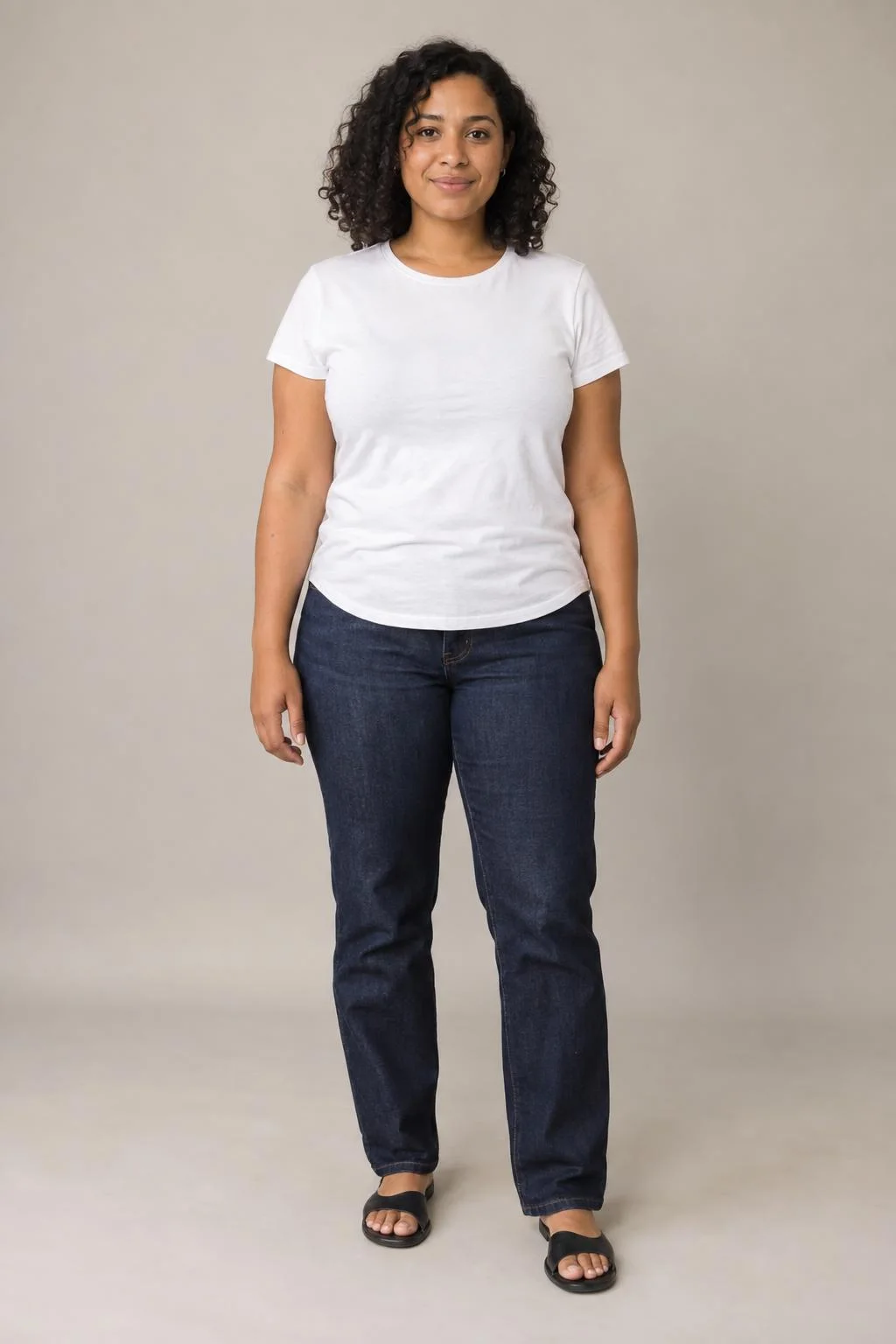
A clear, full-length reference.
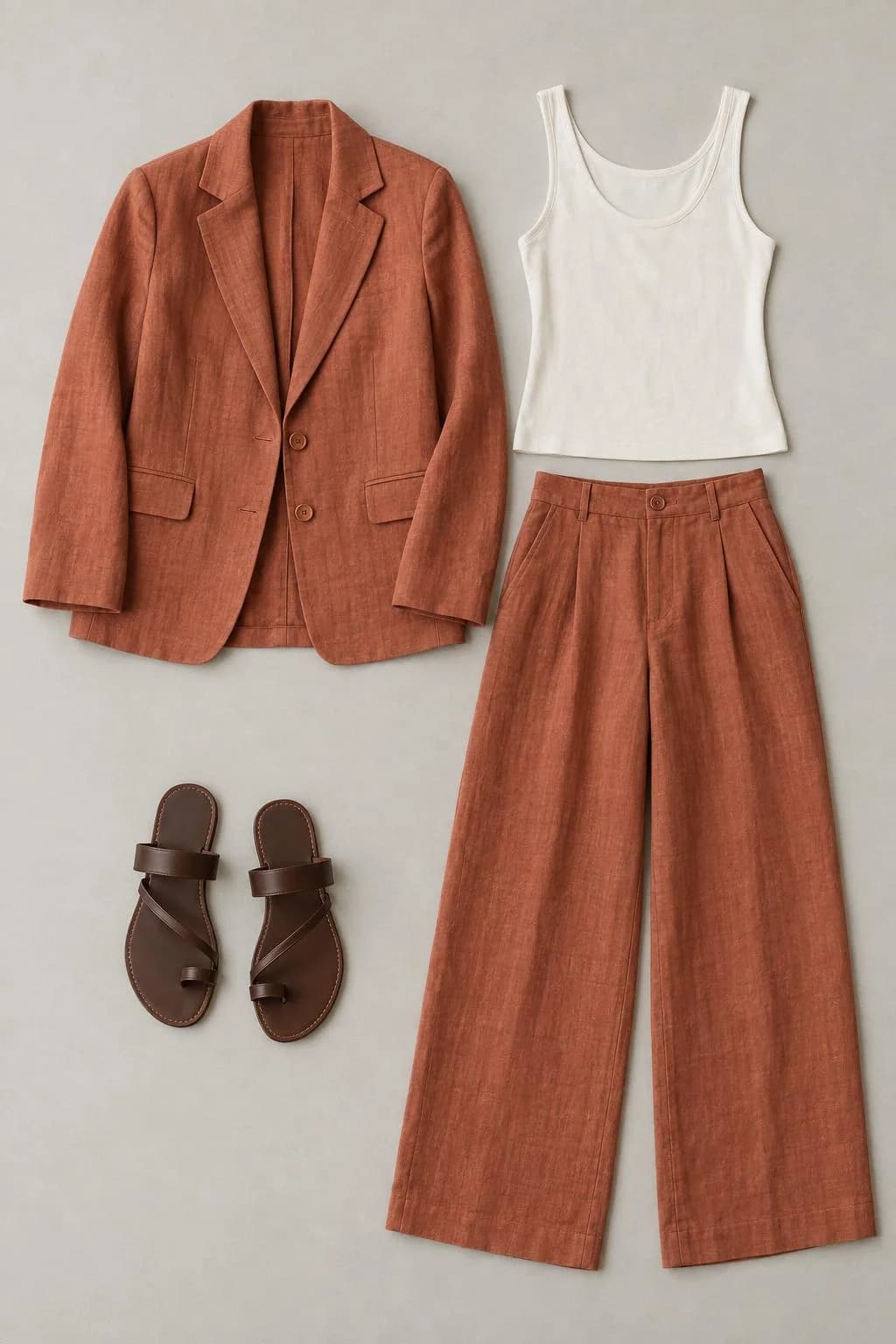
Terracotta linen, an ivory top, and flat sandals.
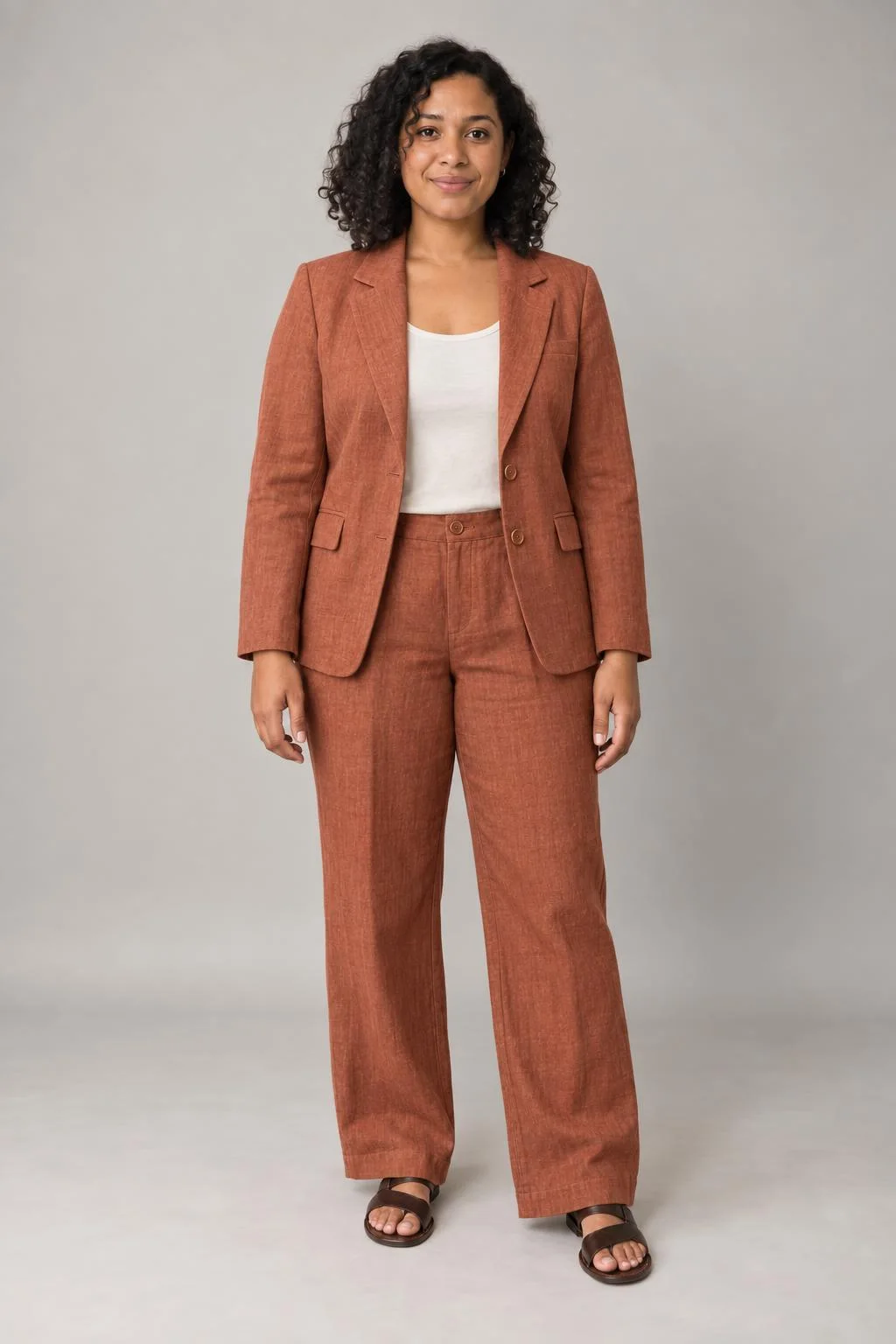
Front view · Soft studio
Linen tailoring · Front view. Saved example; no credits used.
AI-generated people, outfit references, and try-on examples. Each result uses the same original references. Likeness, garment details, and fit can vary.
Start with a clear photo
Use even lighting and keep your body visible. For the outfit, choose a photo that shows the cut, color, and fabric. You can upload a single garment or a complete outfit.
JPG, PNG or WebP · Up to 10 MB per photo
Before you upload
Will the outfit fit like the picture?
Wearform creates a styling preview, not a measurement of how clothing will fit. AI can change fabric, proportions, and garment details. Check the retailer’s measurements and sizing advice before buying.
Will it preserve my face?
Every image uses your original photo as its identity reference. The editor is instructed to preserve your face and body proportions, but likeness can vary. Keeping your original pose reduces how much of the picture needs to change.
Who can see my photos?
Your uploads and looks are private to your account. Your selected photos are sent to our image provider to create a result. You can delete saved looks and unused photos from your library.
How do credits work?
Buy a one-time credit pack and use it for either quality option. Credits have no scheduled expiry. Each image, including a new pose, uses credits; failed generations return them automatically.